React Getting Started
To use React in production, you need npm which is included with Node.js.
Also, you need to set up a React Environment, and choose a build tool.
Setting up a React Environment
First, make sure you have Node.js installed. You can check by running this in your terminal:
node -v
If Node.js is installed, you will get a result with the version number:
v22.15.0
If not, you will need to install Node.js.
Install a Build Tool (Vite)
When you have Node.js installed, you can start creating a React application by choosing a build tool.
We will use the Vite build tool in this tutorial.
Run this command to install Vite:
npm install -g create-vite
If the installation was a success, you will get a result like this:
added 1 package in 649ms
Create a React Application
Run this command to create a React application named my-react-app:
npm create vite@latest my-react-app -- --template react
If you get this message, just press y and press Enter to continue:
Need to install the following packages:
create-vite@9.0.7
Ok to proceed? (y)
Next, you might get this message, just press Enter to continue:
> npx
> create-vite my-react-app --template react
|
* Install with npm and start now?
| > Yes / No
-
If the creation was a success, you will get a result like this:
VITE v8.0.15 ready in 262 ms
→ Local: http://localhost:5173/
→ Network: use --host to expose
→ press h + enter to show help
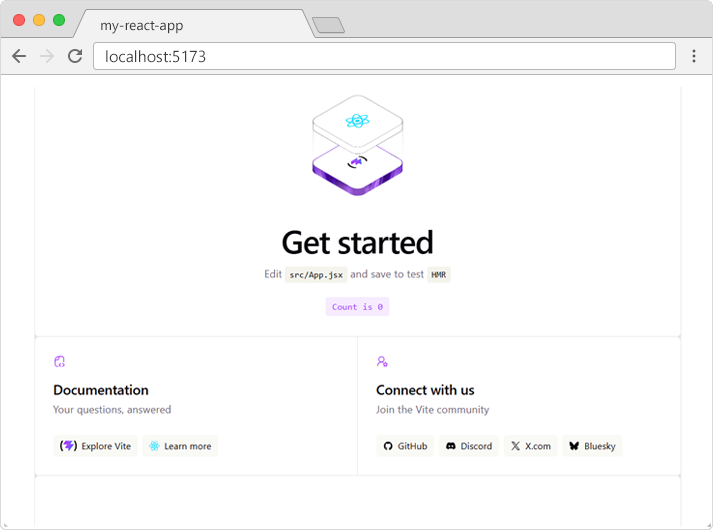
A new browser window will pop up with your newly created React App! If not, open your browser and type
localhost:5173 in the address bar.
The result: